~/blog / $ cat clickfix-the-prove-you-re-human-scam-explained.md
ClickFix: the "prove you're human" scam, explained
If a webpage ever asks you to press keyboard shortcuts and paste something to verify you're human… stop! Here's what's really happening.
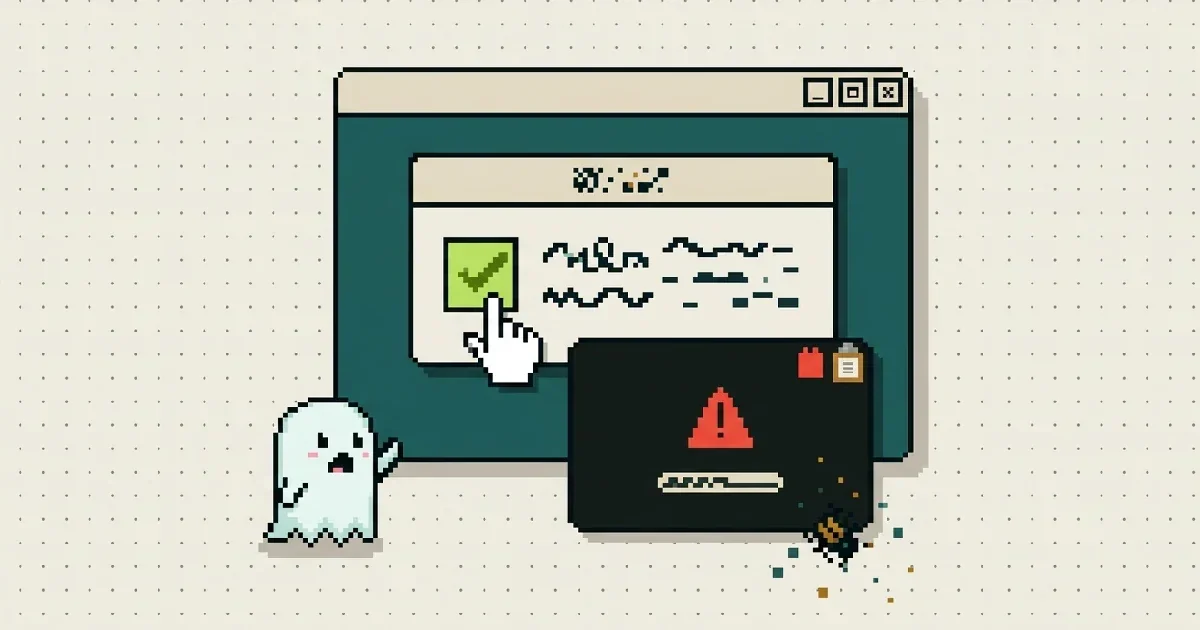
You click a link — maybe from a search result, a social post, or an email — and instead of the page you expected, you get a familiar-looking checkpoint: "Verify you are human." There's a checkbox, a logo you recognise, and three simple steps to continue.
Except the steps are strange. Press a keyboard shortcut. Paste. Press Enter.
If you follow them, you haven't proved you're human. You've just installed malware on your own computer — with your own hands. This trick has a name, ClickFix, and over the last couple of years it has quietly become one of the most common ways criminals get into people's machines.
How the trick works
The scam page does two things at once.
On the surface, it shows you something routine: a CAPTCHA-style "I'm not a robot" check, or sometimes a fake error — "your browser can't display this page, follow these steps to fix it."
Underneath, the moment you click, the page silently places a command on your clipboard — the invisible holding area your computer uses for copy and paste. You never see that command. The page then walks you through running it:
- Press
Windows+R— this opens a little "Run" box. - Press
Ctrl+V— this pastes the hidden command. - Press
Enter— this runs it.
That's the whole attack. There's no infected download, no virus-laden attachment, nothing for your browser to block — because you ran the command, your computer treats it as something you wanted. The command quietly fetches the real malware from the internet: usually a "stealer" that grabs your saved passwords, banking sessions and crypto wallets.
Mac users aren't safe either. The Mac version swaps the Run box for Terminal: "open Terminal and paste." Same trick, same result.
The newer twist: File Explorer instead of a terminal
Because the "Run box" version has been widely reported, scammers have started varying the choreography. A newer variant — sometimes called FileFix — asks you to open File Explorer (the ordinary window you browse your folders with) and paste into the address bar instead. The pasted text looks like a harmless file path, but it points at the attacker's server and fetches the malware just the same.
Different window, same scam. The pretexts vary too:
- fake Cloudflare checks
- fake Google Meet errors
- fake browser updates
- fake "fix your microphone" prompts
Don't memorise the disguises — memorise the ask.
The one rule to remember
No legitimate website will ever ask you to press keyboard shortcuts and paste something into your computer to prove you're human — or to fix an error.
Real human checks are a click, a puzzle, or a photo grid. They never involve the Run box, PowerShell, Terminal, or the File Explorer address bar. The moment a page tells you to copy something and paste it anywhere outside that page — close the tab. It's not a judgment call; there are no exceptions.
Already followed the steps? Do this now
Don't panic — but do act the same day:
- Run a full scan with a reputable antivirus program, and let it remove what it finds.
- Change your important passwords — email first, then banking — ideally from a different device, since stealers grab passwords saved in your browser.
- Turn on two-factor authentication on the accounts that matter, if you haven't already. It's the safety net that holds even when a password leaks.
Check the link before you trust it
This scam works because the page looks routine. When something feels off about a link, you can let us look at it first: paste it into the free Webpage Scanner and run a deep scan. It opens the page in a real browser, in a sandbox, and it knows this trick — including the hidden part: if the page tries to slip a command onto the clipboard, the report shows you the exact text it tried to plant. Seeing the command it hid from you makes the verdict very easy to believe.
And if you'd rather have the warning come to you, the browser extension flags known scam sites before they load.
As always: free, no sign-up, no tracking. Stay safe — and never paste anything to prove you're human.

Try the tools — free, no sign-up
Clean a file of hidden threats and metadata, or check a link before you trust it.